Why Satellite Webinars Work (Especially Right Now)
The connectivity landscape is shifting rapidly. Satellite, especially LEO technologies like Starlink, is generating tremendous market buzz, and for good reason. It solves real-world problems businesses are facing today:- Delayed fiber installs
- Connectivity at construction sites and temporary locations
- Rural and remote challenges
- Wireless-first business models
- Backup or tertiary failover needs
What’s Inside the Toolkit (and How to Use Each Piece)
Everything you need is already done for you, just add your logo and your audience.A Co-Brandable Slide Deck
The deck is structured to give you a polished, 20–30 minute presentation that explains:- Why satellite is exploding in popularity
- How to deploy it in hours
- How Bigleaf stabilizes wireless connectivity
- Real-world scenarios for construction, retail, remote sites, and events
Speaker Notes + Full Script
Whether you love presenting or prefer to follow a guide, the toolkit has detailed notes for every slide. Newer presenters can follow it verbatim; seasoned speakers can use it as a framework.Email + Social Promotion Assets
Done-for-you marketing materials include:- Email invitations
- Follow-up reminders
- Social media posts
- Suggested talking points
- Promo graphics
Optional: A Bigleaf Channel Manager as Your Co-Host
Your Bigleaf Territory Channel Manager can join the session to:- Deliver technical insights
- Add credibility
- Help field chat/Q&A
- Share MSP-specific best practices
Your Two-Hour Setup Plan
This is the heart of the playbook; the fast path from zero to webinar-ready.Hour 1 — Prep and Customization
- Download the deck Grab the co-branded presentation from the Partner Portal.
- Add your logo and details Just replace the placeholders,no design required.
- Review the speaker notes Skim the script andidentify any spots where you want to add your local stories.
- Coordinate with your TCM Shoot them a quick message to confirm their availability to co-host.
- Pick a date and time Webinars convert well on Tuesdays through Thursdays.
- Set up a simple registration page Use the copy included in the toolkit (we’llshare an example below).
Hour 2 — Promotion and Launch
- Load the email invites into your marketing tool Send to your house list.
- Post the pre-written social assets LinkedIn, Facebook, or X; wherever your audience is.
- Schedule reminder emails A reminder one day before and one hour before works best.
- Test your mic, camera, and screen-share Five minutes is plenty.
- Go live. With the deck, script, and co-host support, the lift is minimal.
A Foolproof Promotion Timeline
To maximize attendance, follow this simple cadence:- Two weeks out: First invite + social announcement
- One week out: Second invite
- Three days out: “What you’ll learn” teaser
- One day out: Final nudge
- One hour before: Reminder with join link
Roles & Responsibilities — Who Does What?
A successful webinar doesn’t require a big team. Just clear roles.Your MSP Team Handles:
- Branding the deck
- Scheduling and hosting the webinar
- Sending invites and reminders
- Delivering intro and closing comments
- Owning follow-up with attendees
Your Bigleaf Channel Manager Handles:
- Co-presenting the satellite + Bigleaf content
- Bringing credibility to technical discussions
- Answering questions live
- Supporting you in prep
- Sharing best practices
CTA Strategy — What You Want Attendees to Do Next
A strong call-to-action turns interest into opportunity. Consider offering:- A free site qualification
- A “day-one connectivity” pilot
- A network stability assessment
- A follow-up Q&A call
- A downloadable guide for their team
The Follow-Up Sequence — Where Pipeline Happens
Webinars generate interest, but follow-up generates revenue. Here’s a partner-ready sequence to plug in immediately:Email 1 (Same day): Recording + slides
Email 2 (Next day): Key takeaways + a link to your CTA
Email 3 (Day 3): “Would you like us to evaluate one of your sites?”
Email 4 (Day 7): Invite them to book a quick call or pilot program
Email 5 (Day 14): Re-engagement email with an offer or use-case highlight
This cadence ensures you remain top of mind without overwhelming your audience.Example Landing Page Copy (Copy/Paste Ready)
Headline: Deploy Satellite + Bigleaf for Instant, Reliable Connectivity Anywhere Subhead: Join our co-branded webinar to learn how satellite-powered connectivity delivers fast turn-ups, cloud stability, and business-grade performance. What We’ll Cover:- Why satellite is exploding in popularity
- How to deploy new sites in hours
- How to stabilize VoIP, POS, and cloud apps
- Wireless-first best practices
- Q&A with your Bigleaf Channel Manager
Your Fastest Marketing Win Is Already Done for You
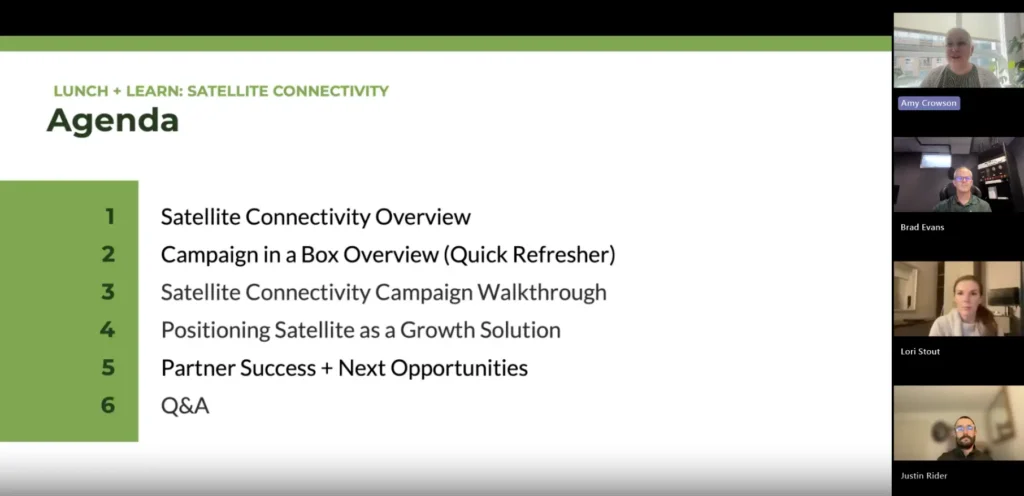
Running webinars doesn’t have to be a major production. With the Satellite Webinar Toolkit, everything from the deck to the script to the promotions is already complete. You simply co-brand, promote, show up… and launch. As Amy said: “Everything’s already done: the promos, the notes, the script.” This is how partners build pipeline quickly, efficiently, and with confidence, without adding more work to an already packed schedule.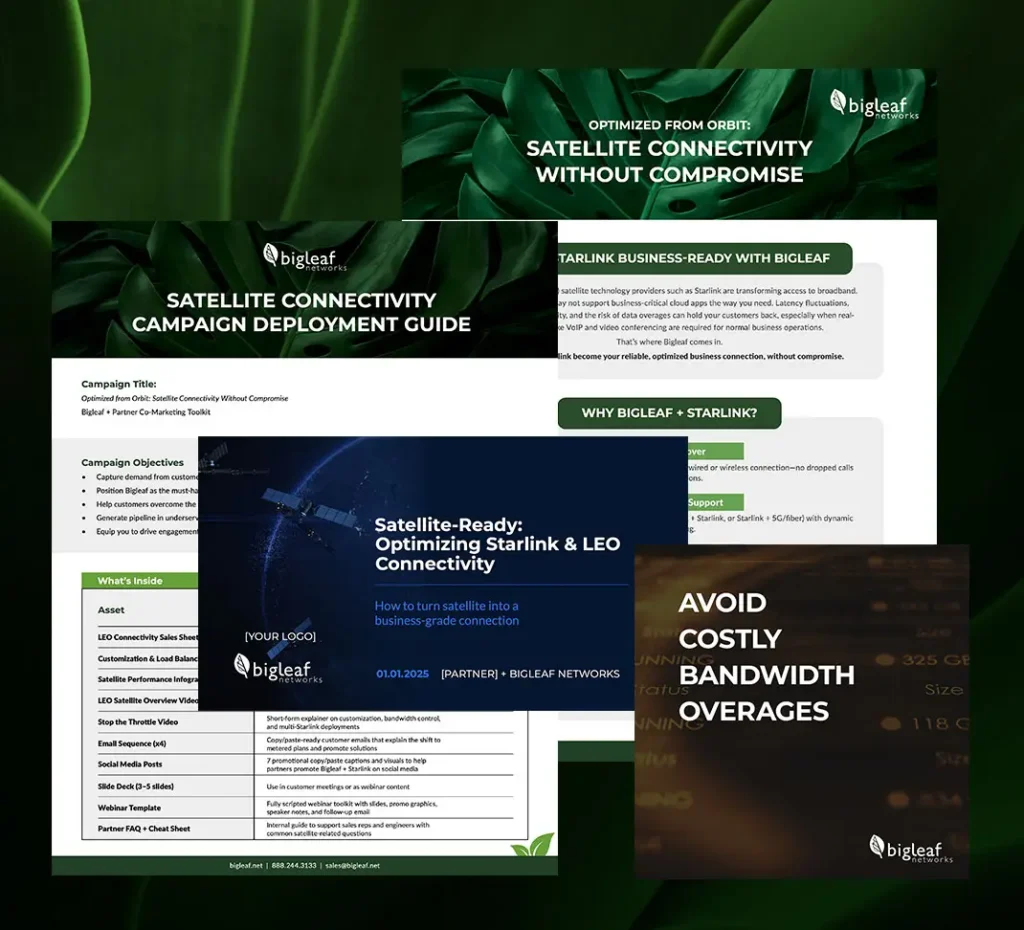
Turn Satellite Challenges into Sales Wins
Bigleaf’s Satellite Connectivity Campaign-in-a-Box gives partners everything they need to bring the Bigleaf + Starlink value story to market fast, including:
Co-branded sales sheets, infographics, and slide decks
A ready-to-deploy webinar kit (title, description, banner, slide deck, and speaker notes)
A four-part email series designed to address metered plans, remote-site challenges, and Bigleaf optimization
Social posts, companion videos, and industry-specific messaging
A complete deployment guide and recommended 4-week launch timeline
Whether you’re a one-person shop or a full sales team, this campaign equips you to capture satellite-driven demand, educate customers on metered-plan impacts, and win high-value deals in remote or bandwidth-constrained locations — all with less marketing lift.
See It in Action
Satellite connectivity isn’t just about getting online anywhere.
It’s about helping your customers get reliable, business-grade performance from Starlink and other LEO services—while giving you the edge to win more of those opportunities.
To learn more now, watch the on-demand webinar: